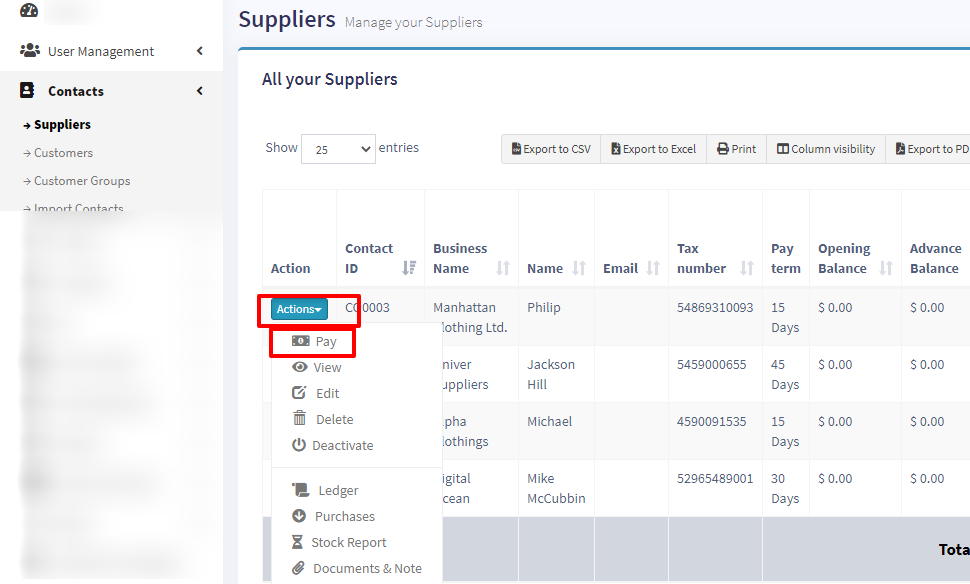
Purchase payment meaning paying to the supplier for the Purchases.
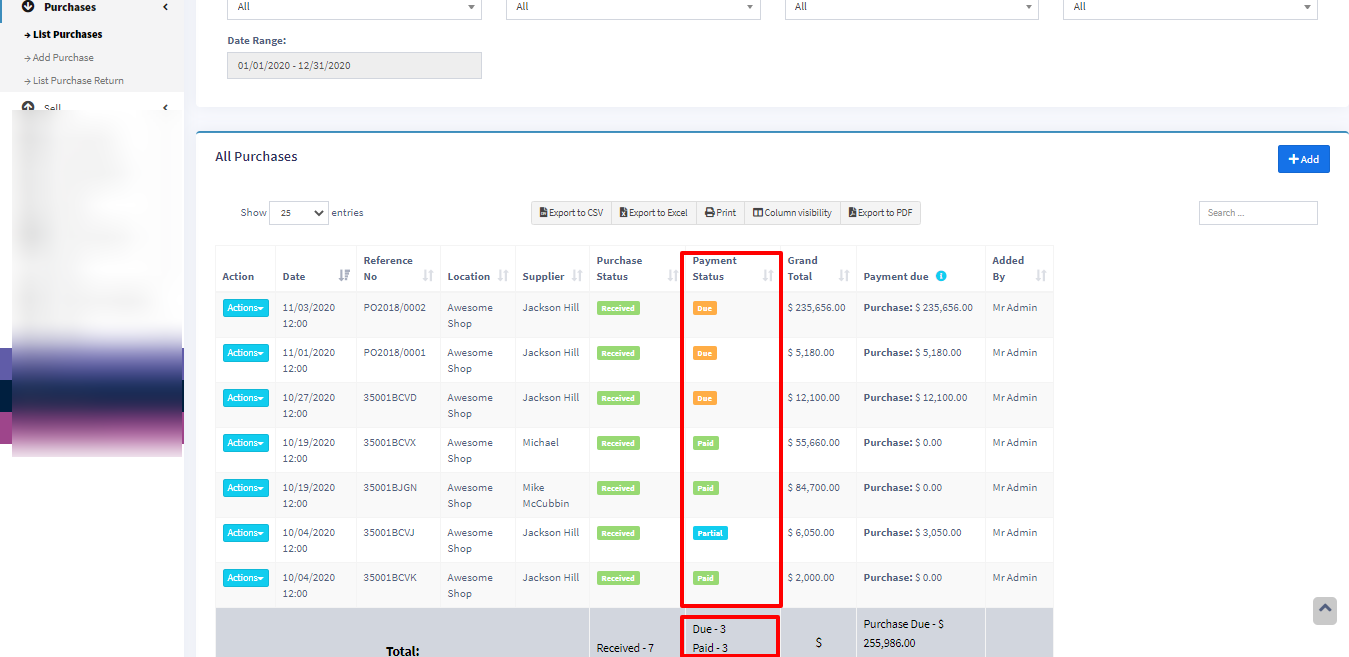
In the add purchase screen, you can add the payment for the purchase.
In list purchase click the actions for any PO and it will display the list of actions for it. This option is not displayed if there is no payment due.
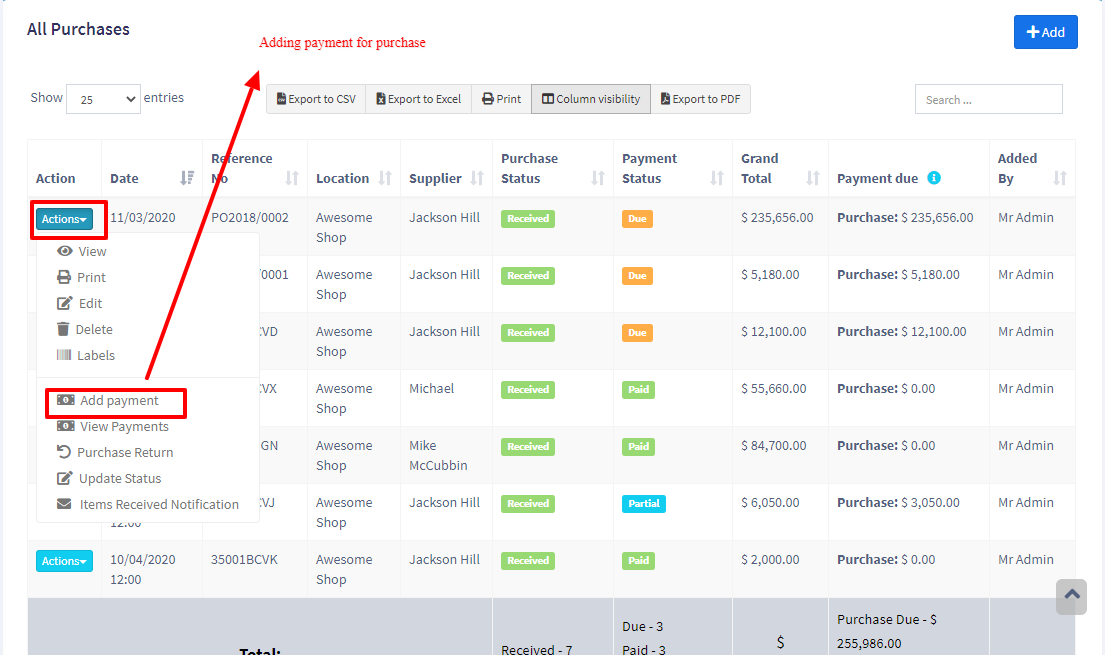
From list contacts screen, you can add payment for a supplier for all or multiple purchases at once.
When you make a payment for a supplier, the system will automatically mark the purchase invoices as paid in the order of their payment terms – starting from the oldest due invoice to the latest.
Go to contact -> Suppliers. Click on actions for the supplier, and it will show “Pay “, click on it, and pay the amount.